
For businesses in New York City, Westchester, and Connecticut, data backup is one of those IT topics everyone assumes is handled until it isn’t. Here’s the question we ask every new client, and almost none of them can answer confidently: “If your entire server went down right now, how long would it take to recover everything, and how do you know?” The usual response is some version of: “We have backups… I think. Our IT guy set it up a while ago.” That’s not a backup strategy. That’s a hope.
The False Confidence Problem
Most businesses have some form of backup running. A cloud sync here, a hard drive there, maybe an automated job that’s been quietly running for three years. The problem isn’t that backups don’t exist, it’s that nobody has actually tested whether they work.
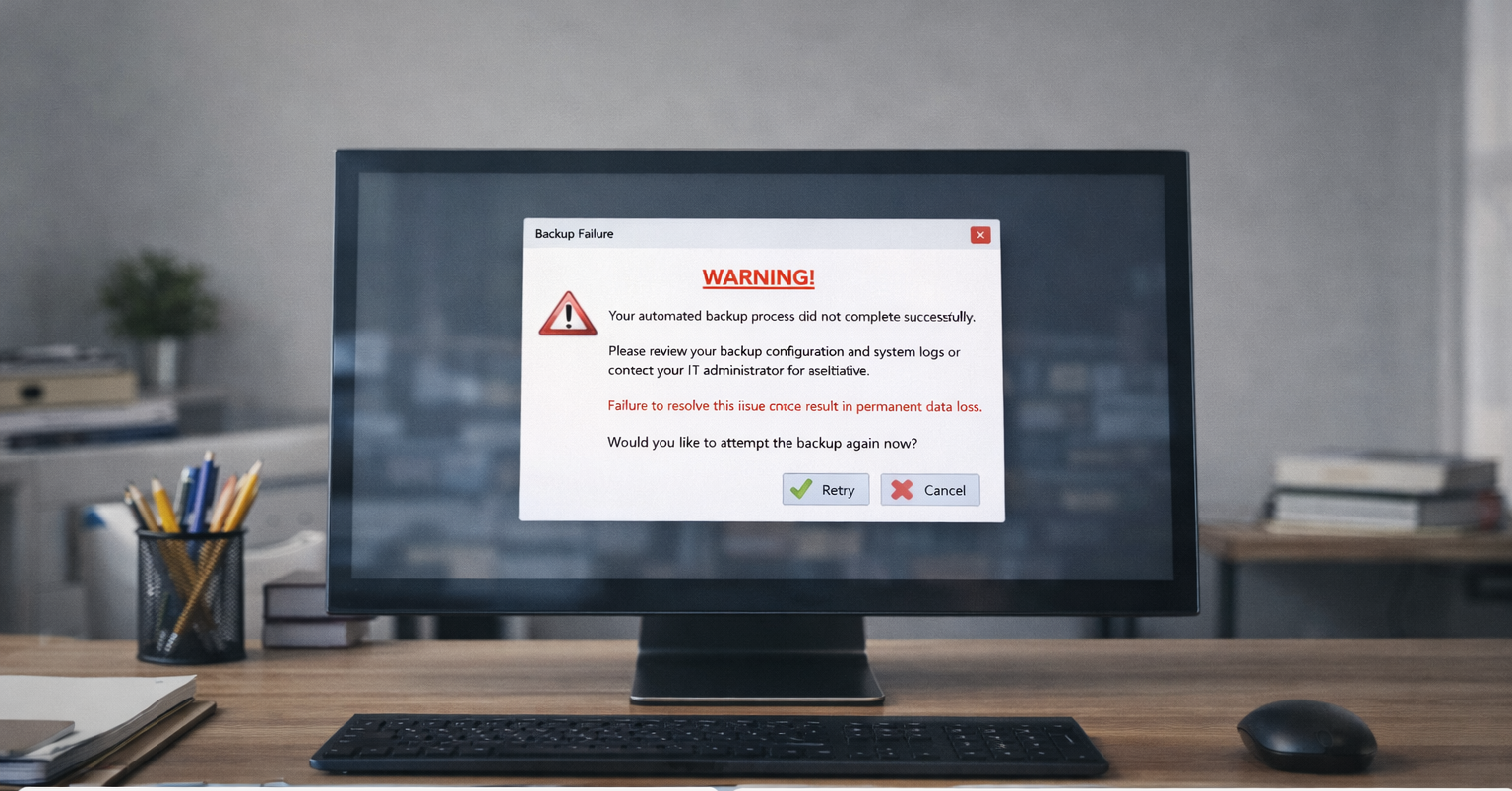
Backup software can fail silently. A backup job that reports ‘success’ every night may be backing up an empty folder, an outdated snapshot, or a corrupted archive that can’t actually be restored.
We’ve seen businesses lose weeks of data to ransomware and discover, in the worst moment of their IT lives, that their ‘backup’ had been broken for months.
The Cloud Doesn’t Back Itself Up
This is the biggest myth in modern business IT, and it’s gotten more dangerous as companies have moved to Microsoft 365, Google Workspace, and cloud-based accounting platforms.
Microsoft and Google are responsible for keeping their platforms running. They are not responsible for recovering your data if you accidentally delete a file, if a disgruntled employee wipes a shared drive, or if a ransomware attack encrypts your cloud-synced files.
Microsoft’s own service agreement explicitly states that you should use third-party backup services for your data. Most businesses that have fully moved to the cloud have no idea their email history, SharePoint files, and Teams data aren’t protected.
The 4 Backup Questions Every Business Owner Should Be Able to Answer
Go through this list. If you can’t answer any of these confidently, you have a gap worth fixing:
- Where are my backups stored, and are they in a physically separate location from my primary data?
- When was the last time we successfully restored from a backup, not just ran the backup job, but actually recovered a file or system?
- What is my recovery time objective (RTO)? If everything went down at 9am, when would we be operational again?
- What is my recovery point objective (RPO)? How much data would I lose, an hour, a day, a week?
These aren’t trick questions. They’re the same questions a cyber insurance underwriter will ask you. If you can’t answer them, your insurer may not pay out when you need them most.
What a Real Backup Strategy Looks Like
A solid backup approach follows what’s called the 3-2-1 rule: three copies of your data, stored on two different types of media, with one copy offsite. In practice for most SMBs, this looks like:
- Local backups for fast recovery of individual files
- A cloud-based backup for disaster recovery if your office is physically compromised
- Immutable backups that ransomware can’t encrypt or delete
- Regular, documented restore tests, at least quarterly
Beyond the technical architecture, you need a documented recovery plan. Who does what, in what order, and who do you call? A backup with no recovery plan is a file on a shelf.
Ransomware Has Changed Everything
Five years ago, backup conversations were mostly about hardware failures and accidental deletions. Today, they’re about ransomware.
Modern ransomware variants are specifically designed to find and encrypt your backup files before they encrypt everything else. Some variants sit dormant on your network for weeks or months, quietly infecting backup jobs before triggering the attack, so that when you try to restore, you restore infected data.
This is why immutable backups (backups that can’t be modified or deleted after they’re written) and air-gapped copies are no longer optional for businesses with any meaningful data to protect.
What We Do for Red Key Clients
When a new client comes on board, one of the first things we do is a full backup audit. We don’t just look at whether a backup job is running, we actually test recovery. We document what’s being backed up, what isn’t, and how long a real recovery would take.
The findings are often eye-opening. We regularly find cloud apps with no backup coverage, local backup jobs that haven’t completed successfully in months, and recovery plans that exist only in someone’s head.
We also give clients full visibility into their backup status through the Red Key IT app, so they’re not depending on their IT provider to tell them everything is fine, they can see it themselves.
Don’t Wait for a Crisis to Find Out
A backup failure is one of the few IT problems where you often only discover it at the worst possible moment, after data is already lost. Unlike a slow network or a software glitch, a broken backup is invisible until you need it.
The good news is that auditing your backup situation is straightforward. It takes a few hours with someone who knows what to look for, and the peace of mind is worth every minute.
Red Key Solutions provides expert managed IT services, cybersecurity, and data backup management to businesses in New York City, Westchester, Connecticut, and Los Angeles. If you’re not sure whether your backup would actually hold up in a crisis, we can find out together.